Attempt scoring
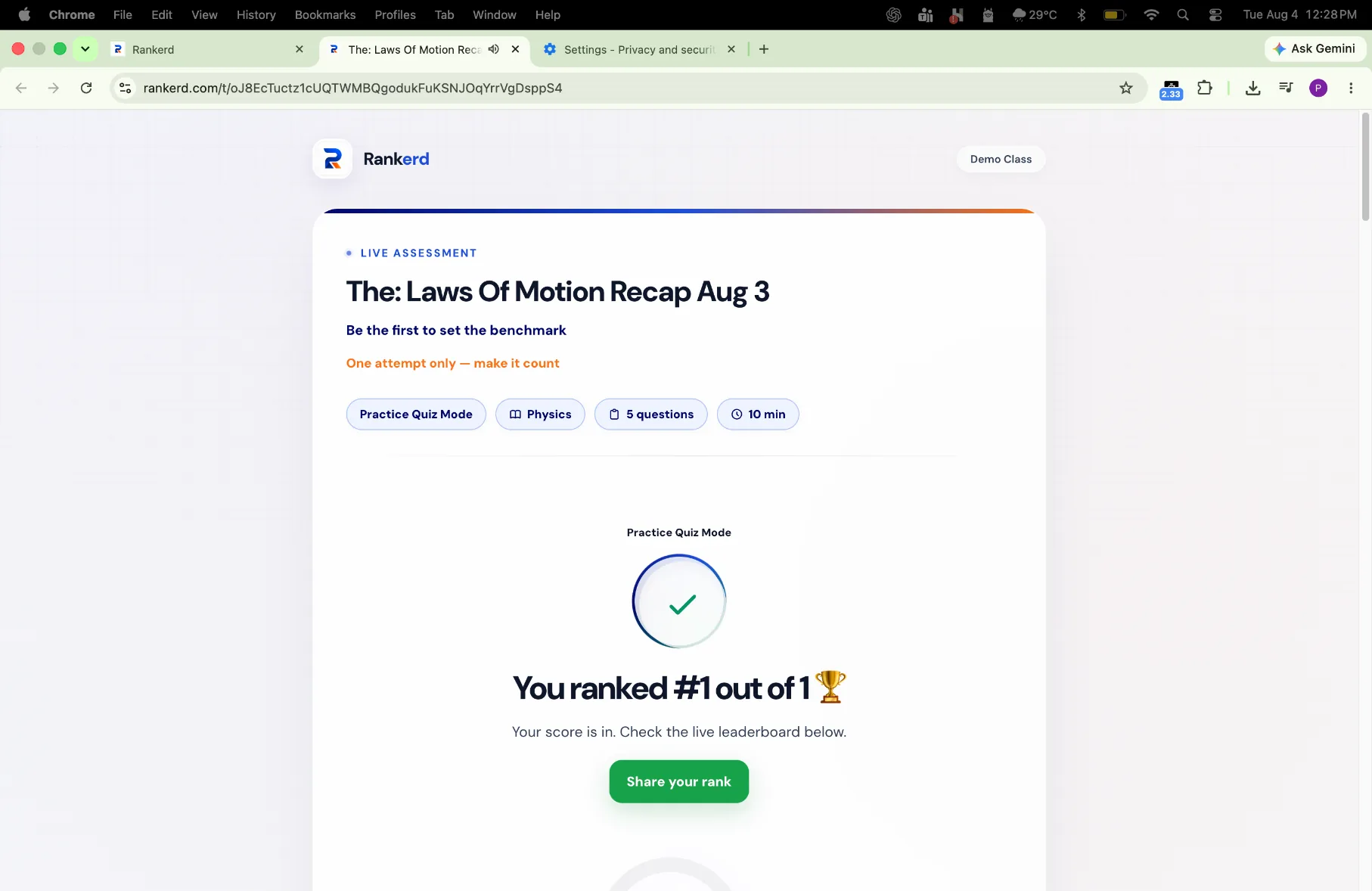
See the score and completion state for each submitted attempt.
For independent tutors
After students submit the same assignment, Rankerd scores responses and gives the tutor a ranked view of performance alongside question-level results.
Results with teaching context
A useful comparison starts with a shared assignment. Review who attempted it, compare scores, then inspect the individual questions before deciding what to teach next.
EXAMPLE COMPARISON
For example, three students complete the same five-question fractions assignment. One has the highest score, but question-level results show that two students missed the same denominator step. The tutor can revisit that concept instead of treating the leaderboard as the whole story.
See the score and completion state for each submitted attempt.
Compare students who completed the same assignment.
Find the shared misconception behind a score.
Turn results into another explanation, not just a number.
THREE DIFFERENT VIEWS
Use the ranked result to compare students who completed the same work, use progress tracking for the wider learner history, and open question-level results to see which concepts need another explanation.
Compare scores and completion for students who attempted the same assignment.
Keep the wider student history and recent performance in context.
Inspect responses and shared gaps before choosing the next teaching step.